VAYLUMIBack to home

VAYLUMI / FILM COLLECTION

FILM 01

DaVinci Resolve PowerGrade

₹1,499INR · One PowerGrade

Checkout coming soon. Purchases are not available yet.

Make the look your own.

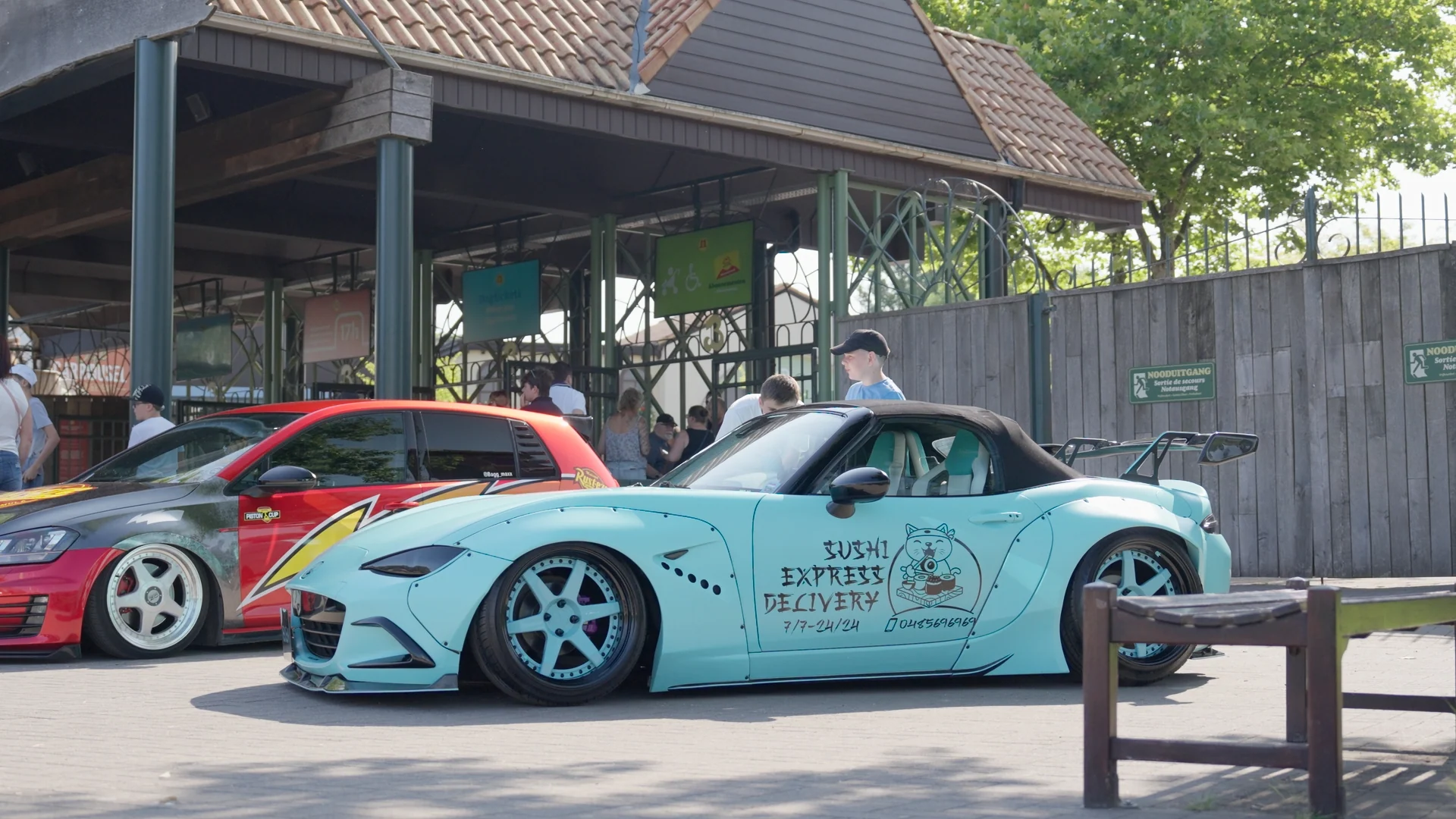
Start with golden highlights, deep contrast and vivid cyan tones. Adjust the grade to suit your footage and your style.

  • One adjustable grade: DRX + paired DPX
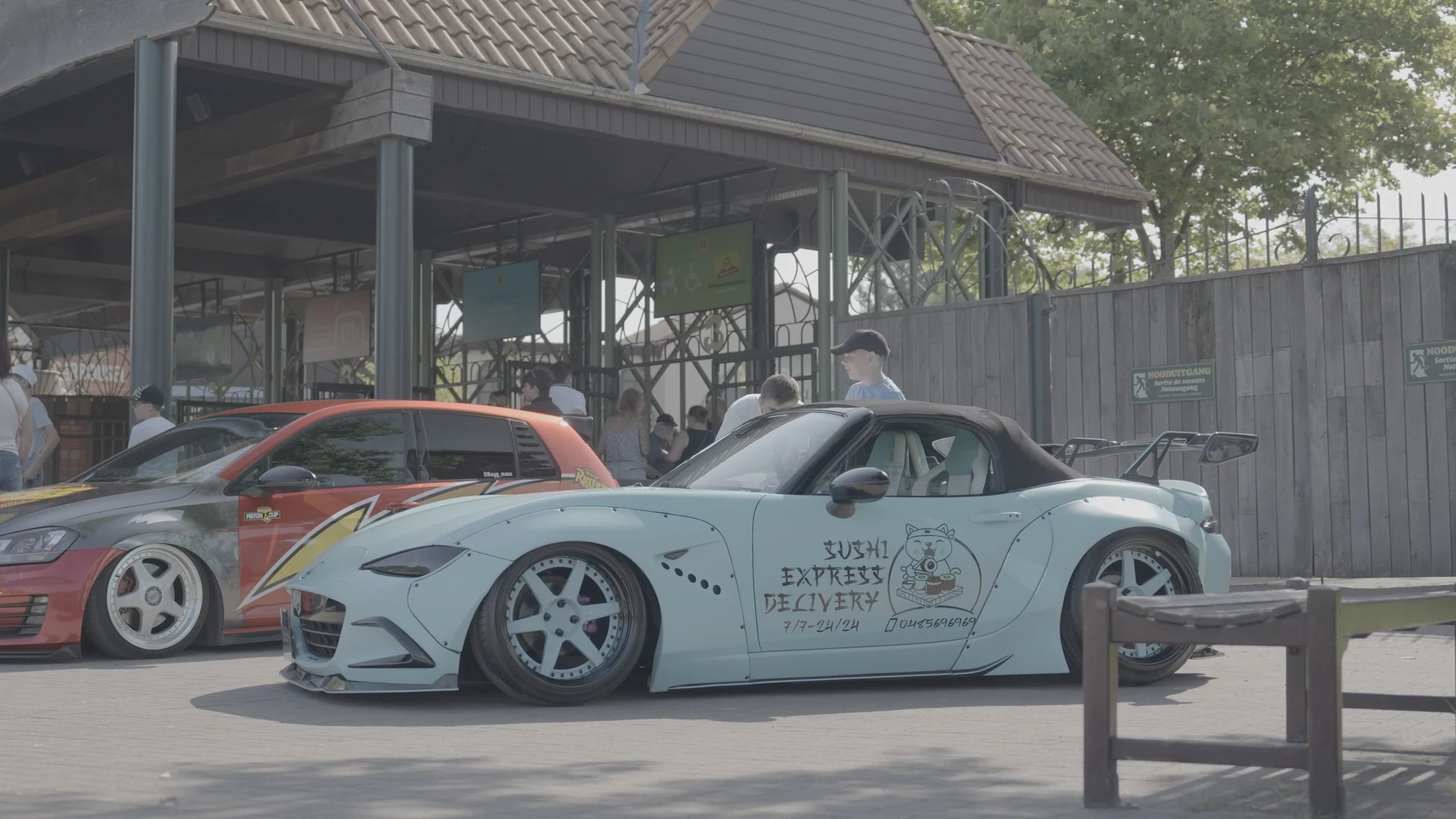
  • Before, Rec.709 and Grade reference images
  • Step-by-step installation guide
Read the installation guide

02 / THE PACKAGE

A grade you can shape.

Import FILM 01 through the Resolve Gallery, apply it to a test clip, and refine exposure, white balance, contrast and color for your footage.

Format
PowerGrade · DRX + DPX
Application
DaVinci Resolve
References
Before · Rec.709 · Grade

03 / REQUIREMENTS

Know your setup.

Resolve version compatibility and Studio or effect requirements are being verified. The Rec.709 preview is a reference image, not a specification of the grade’s required input color space.

License, delivery and refund terms will be published before checkout opens.

QUICK START

Your first grade,
step by step.

From your download to an adjustable look in DaVinci Resolve.

  1. 01

    Prepare the files

    Extract the ZIP. Keep the matching .drx and .dpx files together in the same folder.

  2. 02

    Import into the Gallery

    Open the Color page in Resolve. In Gallery, select a PowerGrade album, right-click an empty area and choose Import. Select the supplied DPX still.

  3. 03

    Apply to a test clip

    Save a version of your current grade. Select a test clip, then right-click the imported Gallery still and choose Apply Grade.

  4. 04

    Adjust for your footage

    Check exposure, white balance and color management. Refine the imported grade’s contrast and color to suit your shot.

Troubleshooting your first import

Still not visible? Extract the files first and keep their original matching names. Use Gallery import on the Color page, not the Media Pool.

Image looks different? Check your source and project color management, including any transforms in the imported grade. Avoid applying the same transform twice.

Missing effect? Confirm the Resolve version and effect requirements with Vaylumi before purchasing. Compatibility is still being verified.